
The best AI note-taker for university students
One tap, and your lecture
turns into exam notes
Record the lecture and return to review with less friction.
Why it matters
You do not have to chase the lecture
Live summary notes follow the lecture flow so you can keep the important explanation in view.
Start recording the moment class begins
Even without long notes, the lecture flow stays captured in order.
Live summary notes build right away
Catch the key explanation in the live summary, then reopen the full transcript from the saved record after class.
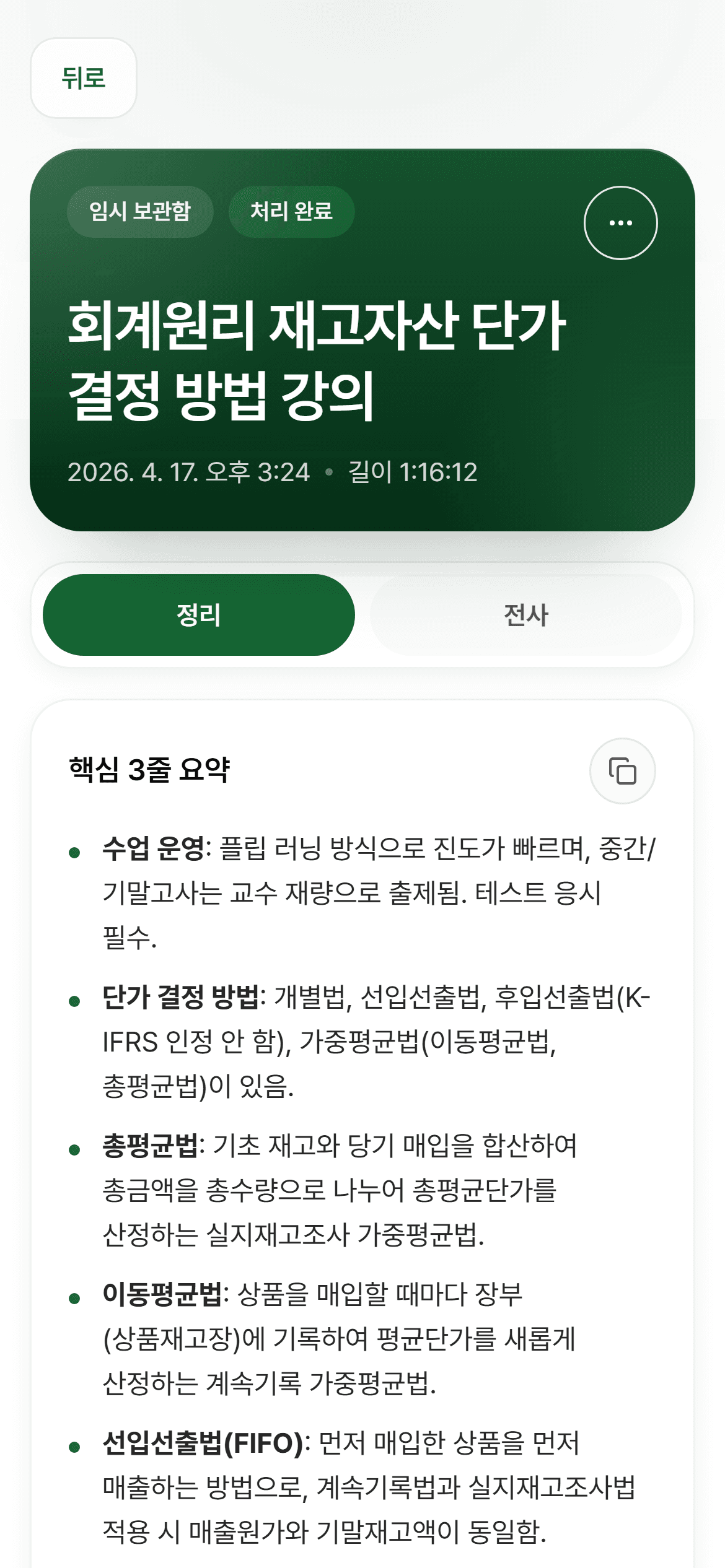
A one-page note to reopen before the exam
Key ideas and revisit points land on one page, so review starts faster.
Study flow
From setup to review
Keep the essential study flow in one view.
Setup
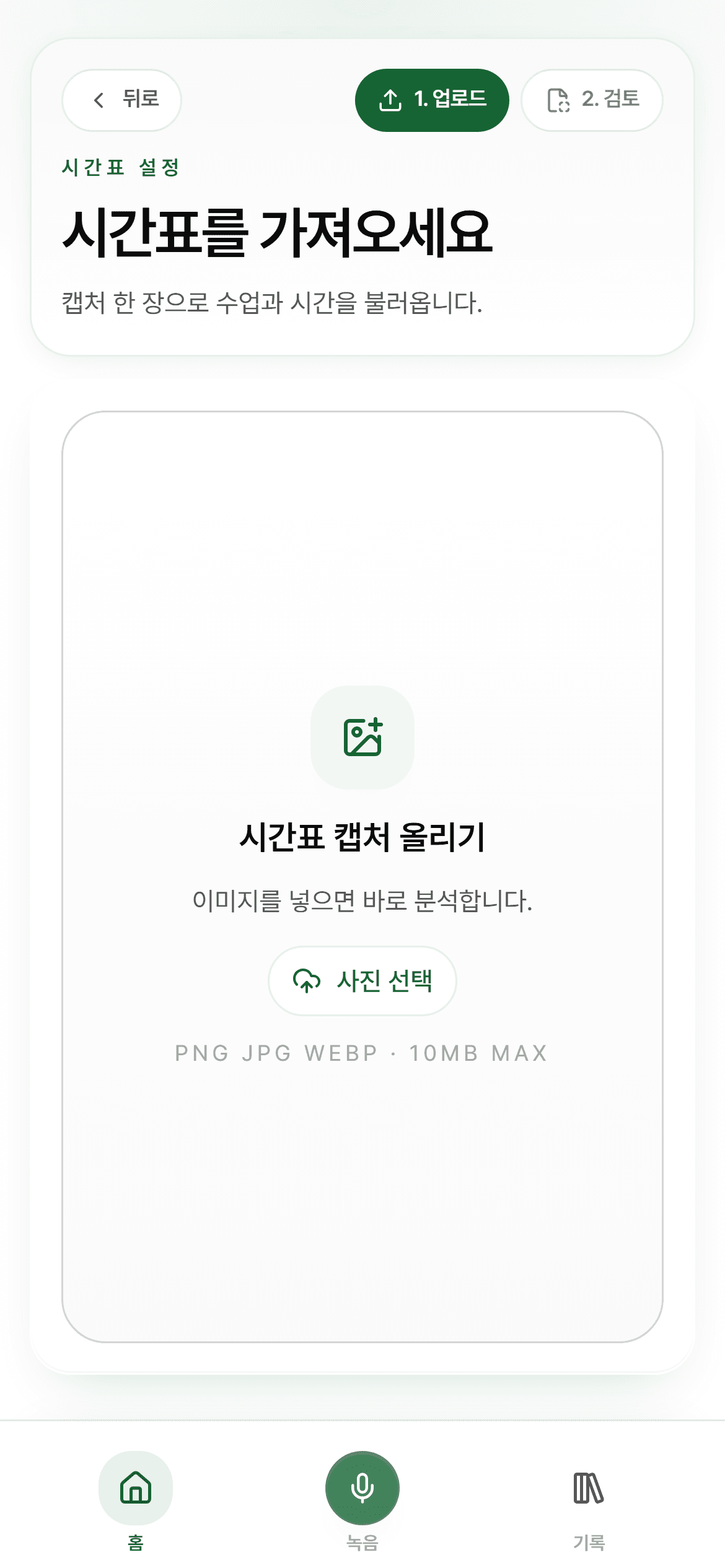
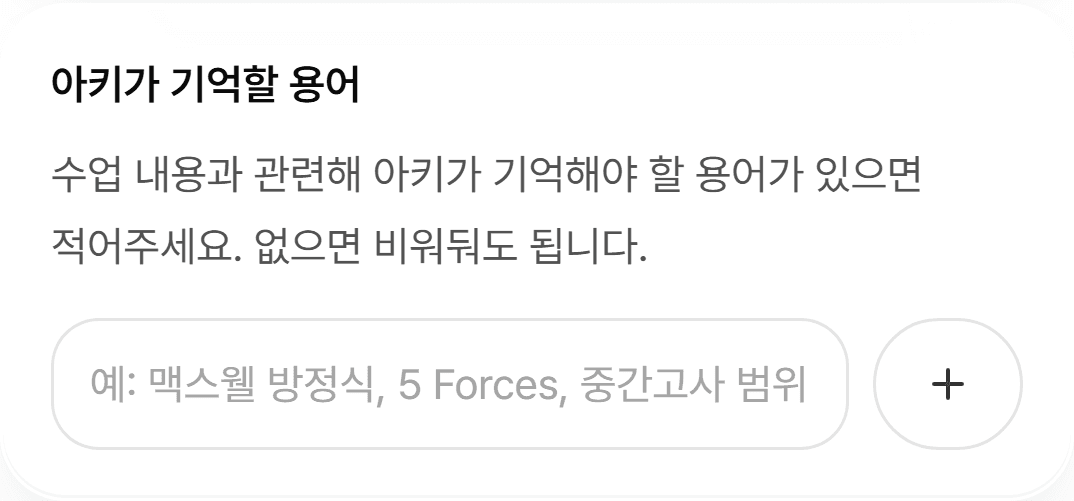
When courses and key terms are ready first, Archy can follow the lecture more precisely from the first minute.
Live
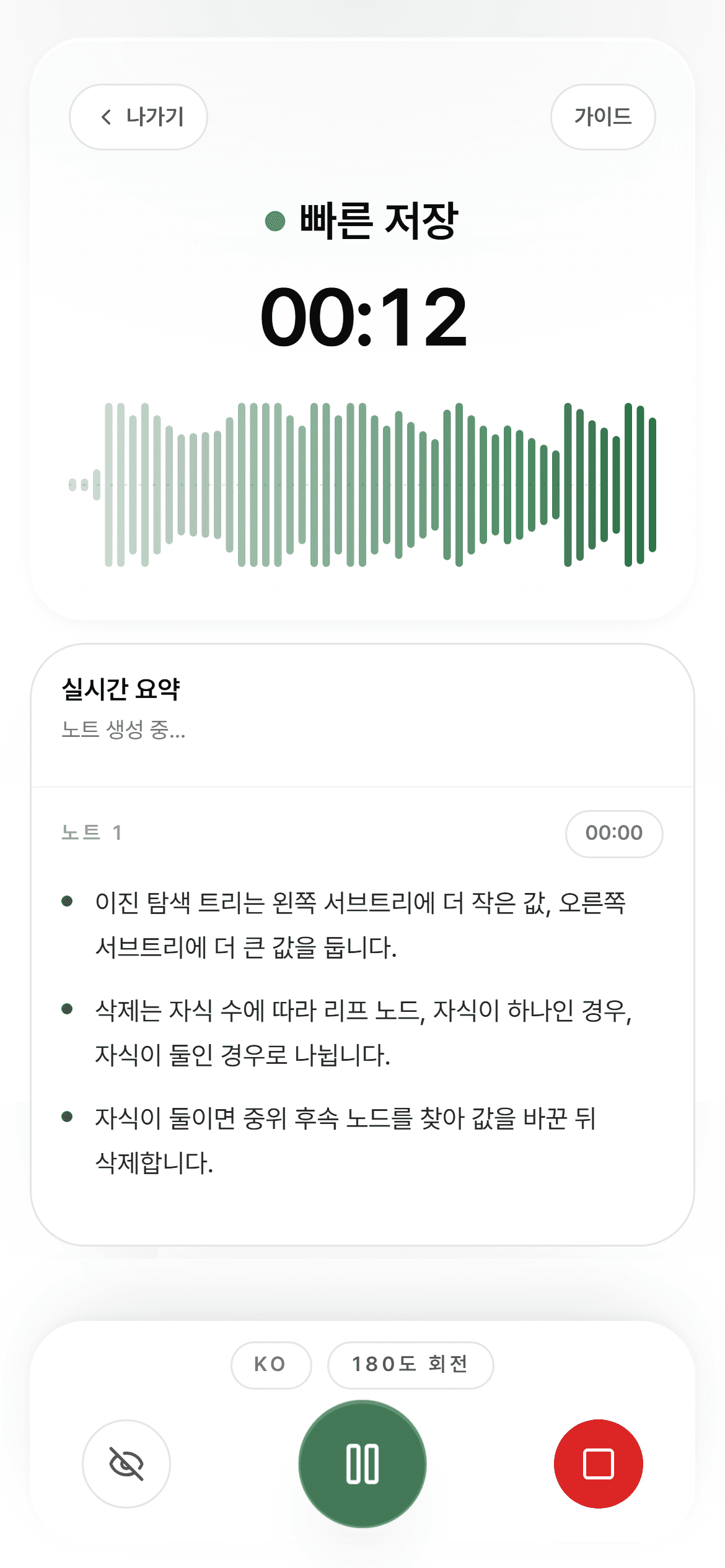
Use live summary for the key explanation now, then revisit the full transcript from the saved record after class.
Review
Key ideas, next actions, and revisit points land on one page so the next study session starts much faster.
Setup
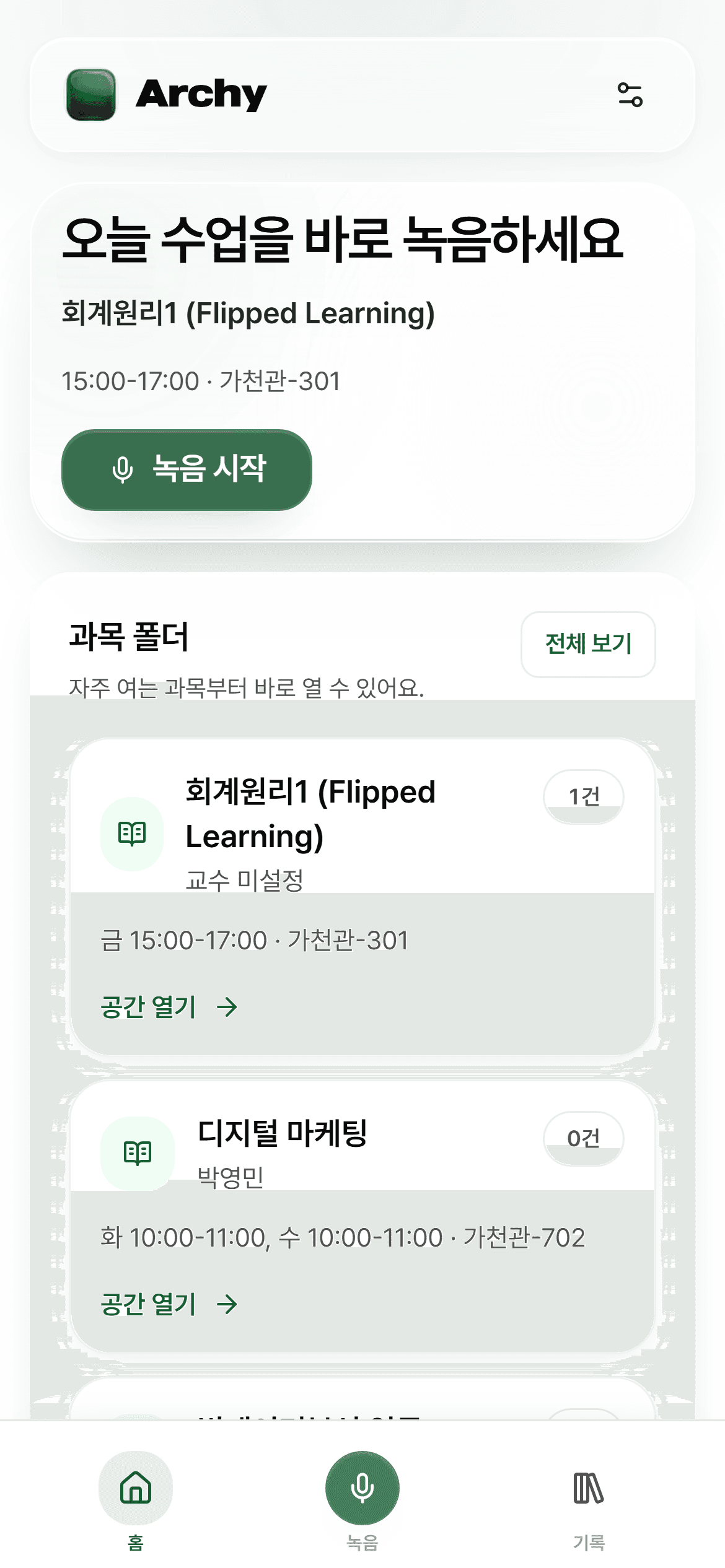
Import your timetable and get this semester ready
When courses and key terms are ready first, Archy can follow the lecture more precisely from the first minute.
Pull in your timetable right away
Attach the right class context first and start recording without extra setup.
Save important terms before class
Register professor-specific or course-specific terms early to improve live summary accuracy.
Live
Live summary keeps up with the important flow
Even details that are easy to miss while taking notes stay in view because Archy organizes them right away.
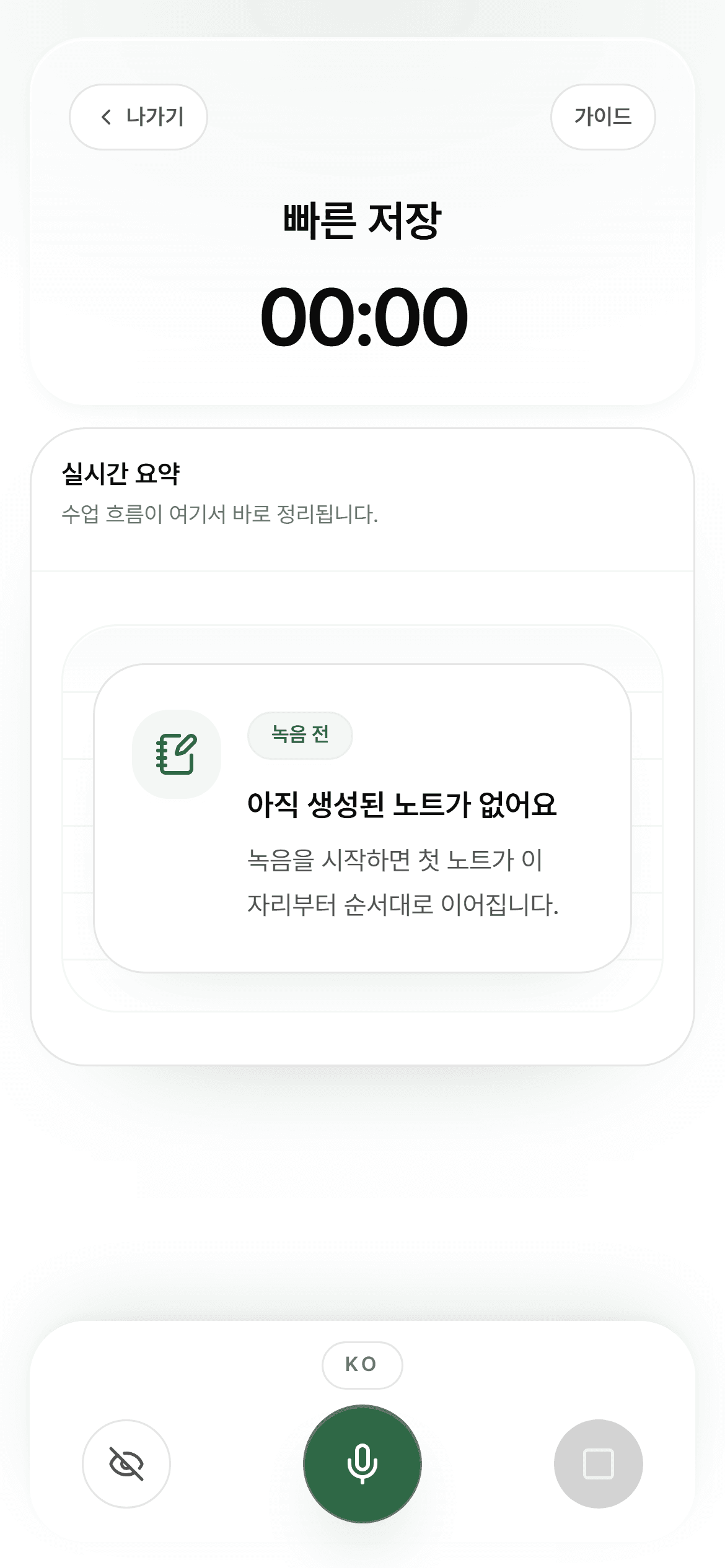
Start recording as soon as class begins
Even without long notes, the lecture flow and timing stay safely captured.
A lecture view where summary notes build as you listen
Use live summary for the key explanation now, then revisit the full transcript from the saved record after class.
Check the recording state at a glance
Right before class, confirm the app is ready and move straight into the live summary view.
Review
A one-page note you will want to open again for review
Key ideas, next actions, and revisit points land on one page so the next study session starts much faster.
Open the full record and transcript together
Move between the summary view and the detailed record without losing the context of class.
Return to the dashboard for the next review
Organized notes and recent records are already waiting when the next study session starts.
Why it feels safe
Keep the study record, not the audio itself
It is designed to keep only what helps you study again later.
Audio is deleted after transcription
Recorded audio is removed right after transcription.
Only transcripts and notes are kept
Only the transcript and study note you need to revisit are kept.
Start now
Start right away
Carry your lecture capture into review notes with Archy.