Add new

Start recordingUpload file
Archy
My documentsQuick recordingUpload files
Settings
Upgrade

My documents

Upload filesStart recording

Turn class materials into notes and quizzes

Start with a PDF or recording.

Explore examples

Add a file
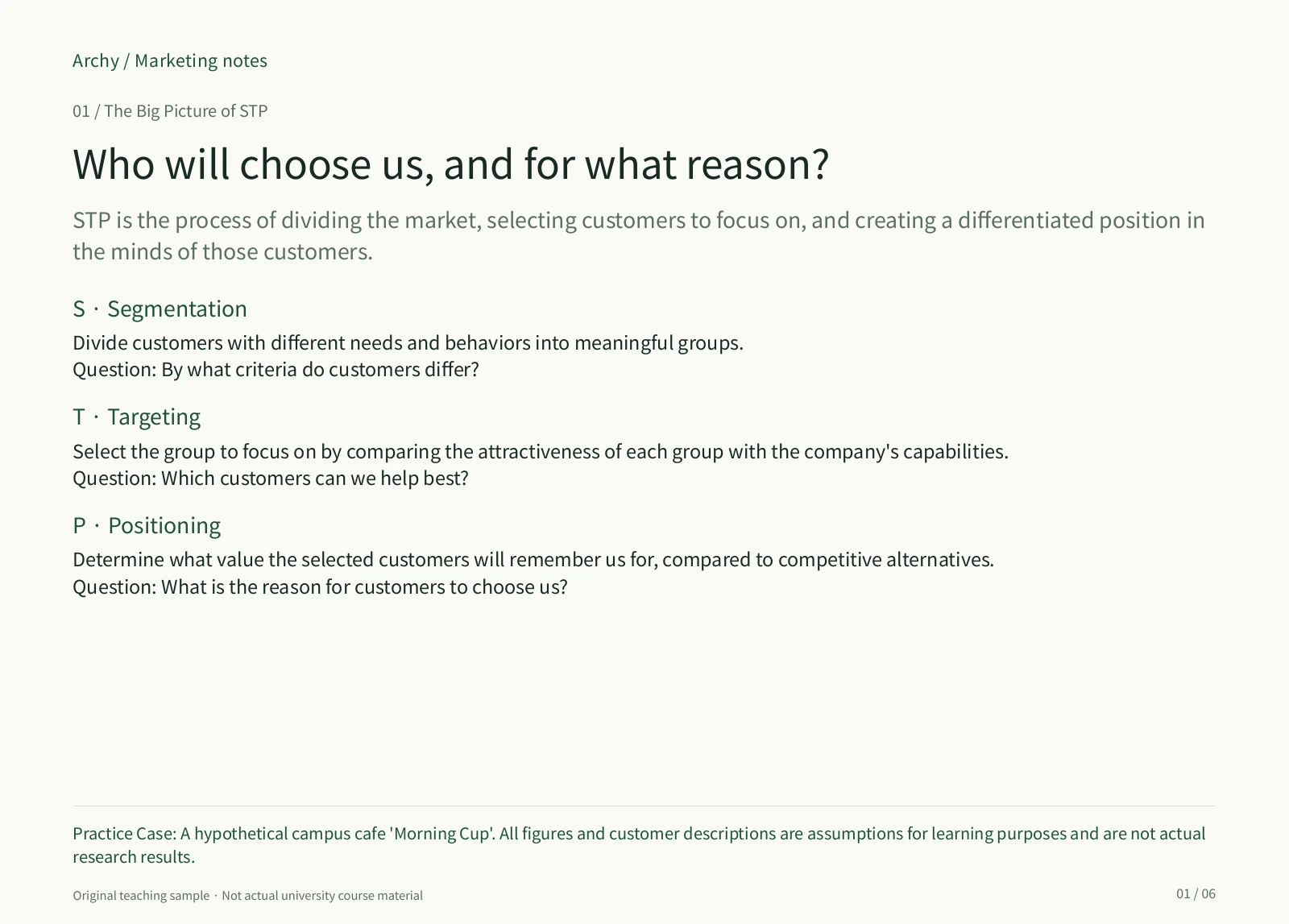
Marketing · STP strategy and customer choice
PDF example · 6 pages

Marketing · STP strategy and customer choice

Lecture material · Summary notes · Quiz

Lecture audio example · 6 min

Economics · Opportunity cost and rational choice

Lecture material · Summary notes · Quiz
Timetable first

Set up your timetable before you start

Save your timetable to create course folders and get reminders before class.

Step 1

Import Schedule

After import

Today’s classes and course folders appear in the home hub.

Available now

You can still start recording now with quick capture.

Study setup

Keep your study setup clean

Set up your timetable and folders first so each recording lands in the right flow.

New RecordingStart a fresh recording now, then connect it to the right course space later if needed.
Manage coursesUpdate professor, color, schedule, and the settings already implemented.
InboxRecordings without a linked course stay in Inbox until you choose a course for them.